

The magic of typing terminal commands
There is a quiet magic in the terminal.
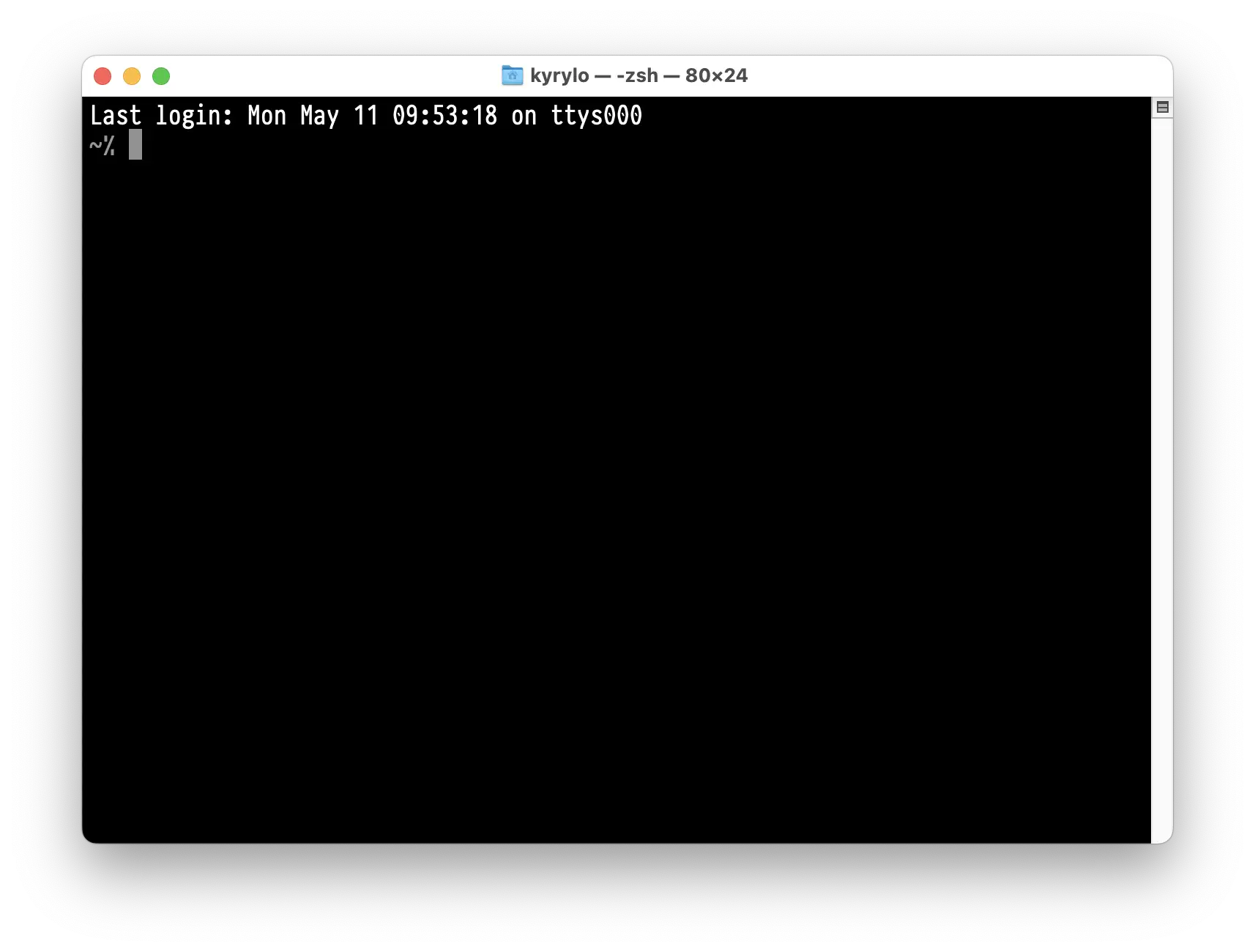
The screen is black. The cursor blinks — steady and patient. You lean in and
begin to type, your fingers moving with intention across the keys. A few simple
words appear: ls, cd, mkdir, grep.
Then comes the moment of anticipation — that brief pause before you press
Enter.
And when you do, the terminal answers.
Results appear line by line, precise and immediate. There is something deeply satisfying about the exchange: you speak in commands, and the machine responds with clarity.
This is the beauty of the terminal: its power lies in simplicity. A few letters typed on a black screen can search vast amounts of data, launch processes, and reshape entire systems.
Here, you are not a passive user. You are the one who speaks — and the machine listens. Every time you type a command in the terminal, you feel it: the ancient, elegant magic of turning thought into action with nothing but words.